How to configure notification templates
Just like the SMS and Email template you can also send some notifications on the events. To configure the template of notification following are the steps:
Step 1: Go to the Admin menu and select Email and Mobile App Notification.
Step 2: A new screen will open which has two tabs Email and Mobile App Notification, Select Mobile App Notification tab to configure Notification Template.
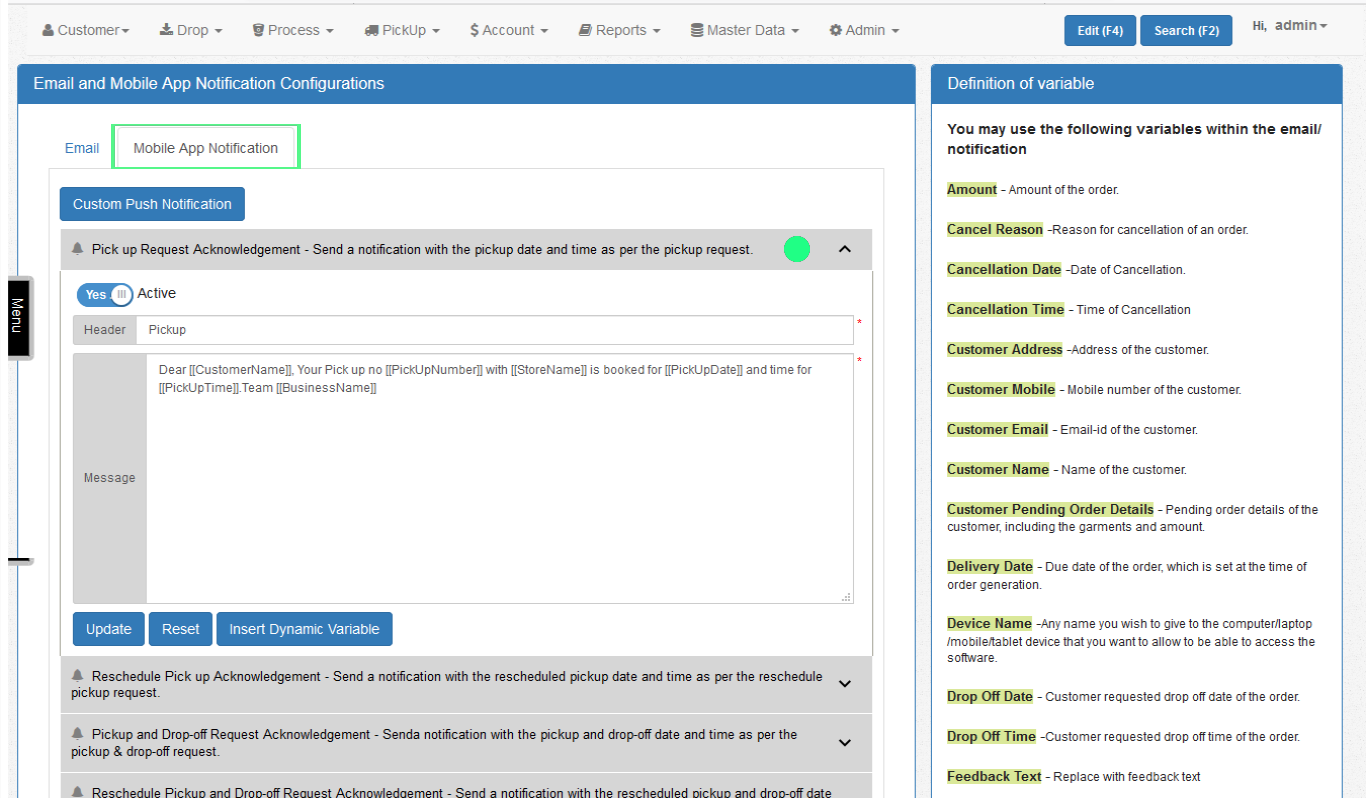
Step 3: Choose an event for which you want to configure the template and click update.
*Note: Here you will find an extra button named “Custom Push Notification”. Find the usage in the next page